Creators
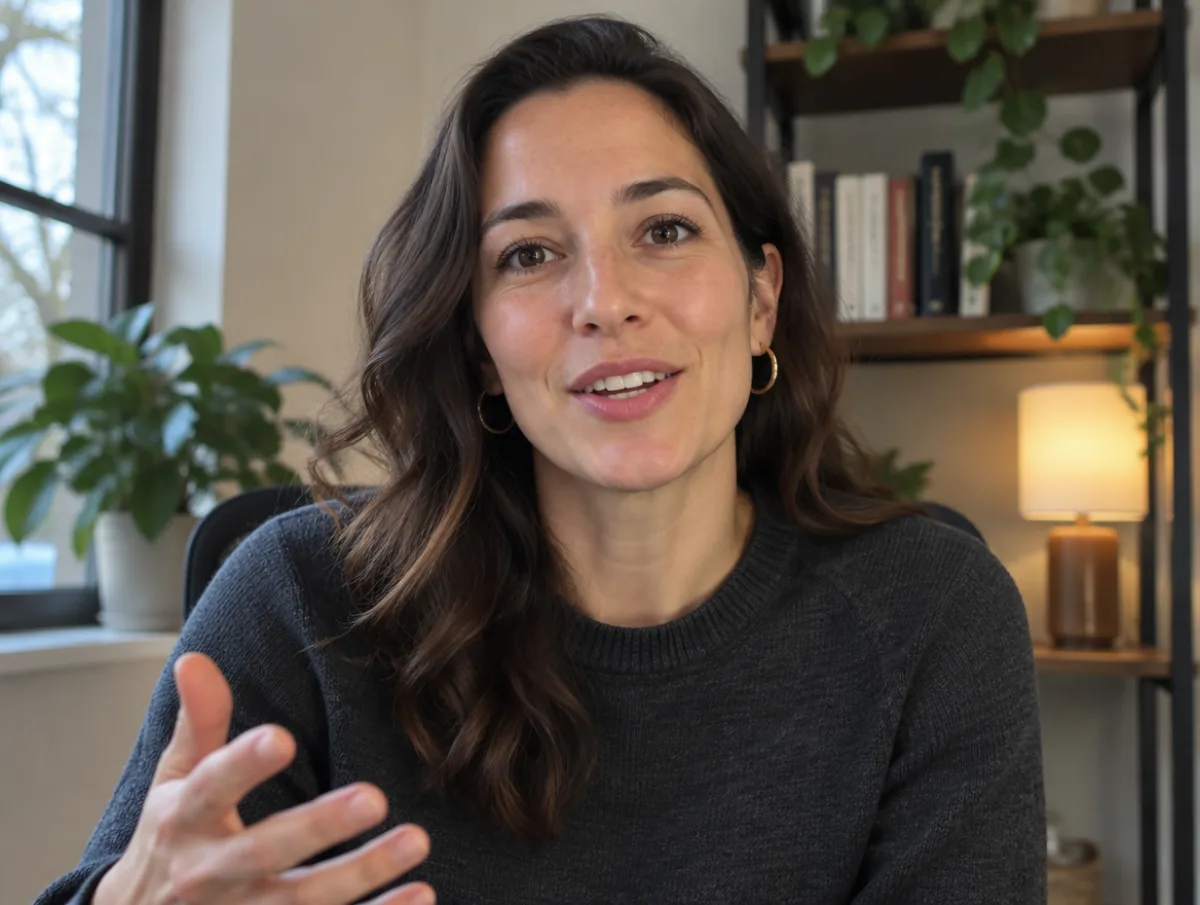
“Take 14. I just want to get through the intro without looking down.”
Record in one take with your script right under the lens.
Let's start with the numbers.
Hi everyone, thanks for joining.
Today I want to show you three things.
PromCue puts your notes in the MacBook notch, right under the camera. You read naturally, your audience sees eye contact, and no one on the call can see the script.
PromCue's window is excluded from screen capture, so it never shows up in Zoom, Google Meet, Teams, recordings, or screenshots.
Q4 Review
Revenue, customers, roadmap
Maya · presentingQ4 Review
Revenue, customers, roadmap
Let's start with the numbers.
Hi everyone, thanks for joining.
Today I want to show you three things.
Paste it, drag in a .txt or .docx, or pull a note from Apple Notes. Split it into sections you can jump between.
Built for the moment you hit record, not for your menu bar.
Today I want to show you three things.
First, where our numbers landed this quarter.
Second, what our customers told us.
Scrolls while you speak, waits while you think. Adjustable mic sensitivity.
Drag the prompter anywhere, or flip it for teleprompter glass rigs.
Jump to any part of your script mid-take.
A beat to breathe before the first line.
Target time, elapsed time, and words per minute, live in the notch.
A small mirror by the notch to check your framing.
Play, pause and change speed without touching the window.
Clipboard, .txt, .docx and Apple Notes.
Save speed, size and width for calls and for recordings.
Turn rough notes into a script you can actually say out loud, then see how the take went. Captions and delivery feedback run on your Mac for free. The AI writer uses credits, and PromCue comes with 50. Only your script text is sent, and only when you ask.
3 bullets about our Q4 launch, friendly, 60 seconds
Hey everyone. This quarter we shipped the thing you asked for most…
Trim or expand any script to an exact length.
This quarter we shipped the thing you asked for most.
Captions for every recording, timed to your voice and ready to export as .srt.
Pace
148 WPM
Filler words
3 “um”
After each take: pace, filler words, and where you rushed.
Creators
“Take 14. I just want to get through the intro without looking down.”
Record in one take with your script right under the lens.
Presenters
“I shared my screen and the whole room could see my notes.”
PromCue stays out of every screen share and recording.
Sales
“The demo is in ten minutes and the pricing changed this morning.”
Paste the new talk track and jump straight to it.
Educators
“Forty minutes of lecture and my notes are on another monitor.”
Keep eye contact with every student, even remotely.
No subscription for the teleprompter. Ever.
PromCue for Mac
$29one-time purchase
Subscription line at $15 per month, the middle of typical $10–20 plans.
One-time credit packs that never expire. 1 credit = 1 AI write, rewrite or fit to time. Captions and delivery feedback are always free.
Buy packs inside PromCue after launch.
Credit pack
$9one-time
150 credits
$0.06 per credit
Bigger pack
$19one-time
400 credits
Under $0.05 per credit
Your scripts
On your Mac
Subscription teleprompters: Often in the cloud
Hidden in screen share
Yes
Subscription teleprompters: Varies
Works offline
Yes
Subscription teleprompters: Often not
Account required
No
Subscription teleprompters: Usually
Competitor prices are typical public monthly plans and may change.
Any Mac running macOS 14 Sonoma or later, Apple silicon or Intel. On MacBooks with a notch the script sits in the notch; on other Macs it appears as a slim band right below the camera.
No. PromCue's window is excluded from screen capture, so it doesn't appear in screen shares, recordings or screenshots in apps like Zoom, Google Meet and Microsoft Teams.
On your Mac. PromCue needs no account and works offline. Voice scrolling uses Apple's on-device speech recognition where your language supports it.
Yes. PromCue costs $29 once, works on up to 2 Macs and includes 50 AI credits. If you want more AI, credit packs are $9 for 150 credits or $19 for 400, and they never expire. There's no subscription.
One credit is one AI action: writing a script, rewriting it, or fitting it to a time. Captions and delivery feedback run on your Mac and never use credits. The AI writer needs an internet connection; everything else works offline.
Yes. PromCue keeps the prompter on the screen with your camera, and a floating window lets you place it anywhere for external cameras or glass rigs.
The app and this site are being translated into many languages. Voice scrolling works in every language Apple's speech recognition supports.
Not yet. Tick the Windows box when you join the waitlist and we'll tell you when it's coming.
Join the waitlist and we'll email you the day PromCue ships.